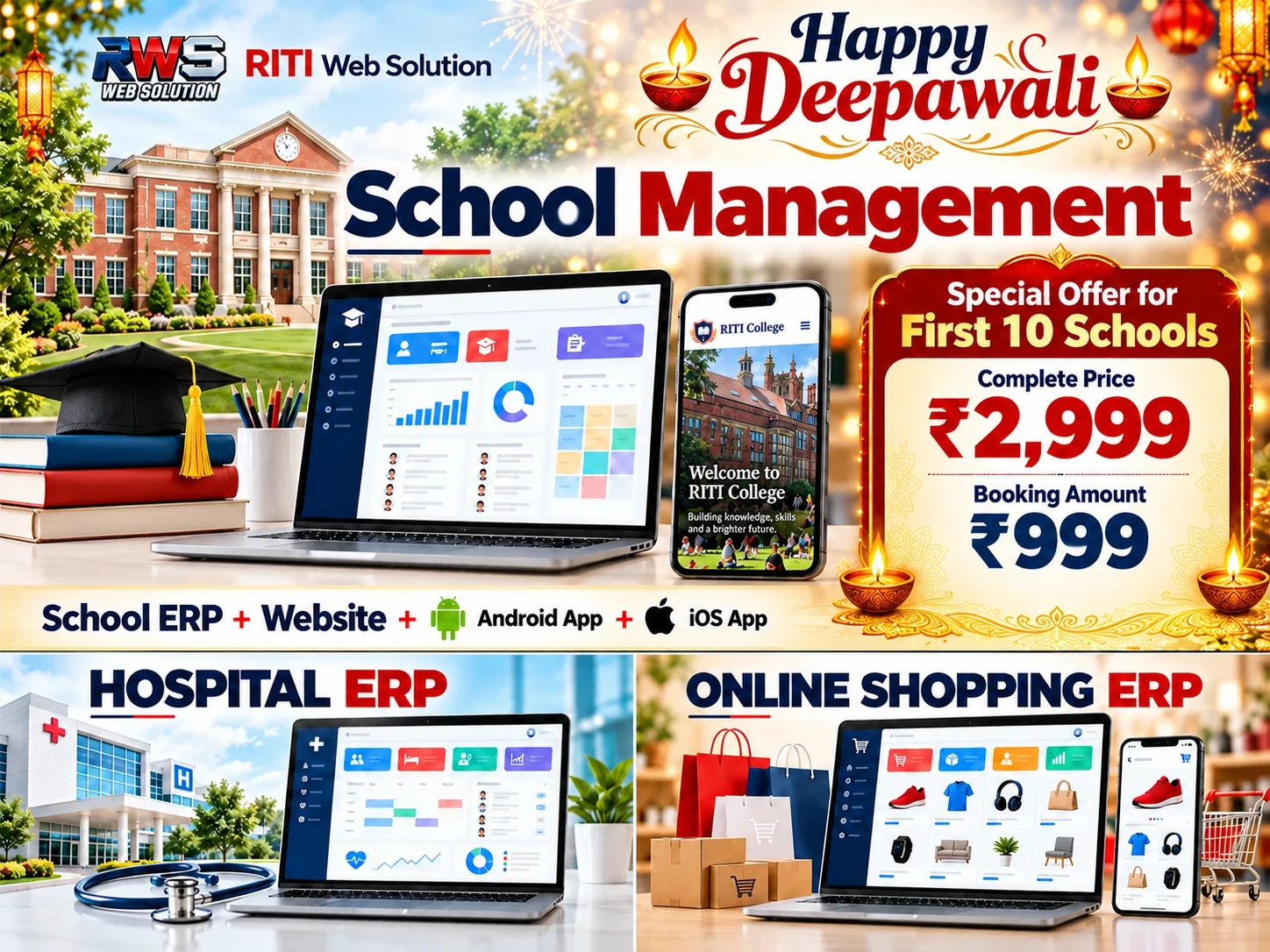
School Website
View School Demo
Give parents a clear view of your school, its programs and admission information. RITI Web Solution brings your school introduction, leadership messages, teacher profiles, achievements, media and enquiry options together in a website based on the supplied school demo.
The Pay Online action is for purchasing this website package. Package duration, domain, hosting, taxes, renewals, support and any third-party integration charges will be confirmed in your written quotation.
Explore the Website Features
Browse every section below. Select a feature to read its details, including the menus, homepage columns, enquiry flow and editing options found in the demo.
School Identity & Navigation
School Branding
Present your school name and logo consistently in the header and footer.
Social Media Icons
Give visitors quick access to the social profiles configured for your school.
Scrolling Notice Bar
Display school notices and important announcements prominently above the main navigation.
Desktop & Mobile Menus
Organise school information with dropdown navigation on desktop and an expandable mobile menu.
Language Options
Provide English, Hindi, Punjabi, Bengali and Marathi options. Automatic translation opens through Google Translate in a new tab.
Light, Dark & Eye Comfort Modes
Let visitors choose a display theme suited to their reading preference.
Homepage Sections
Image Slider
Introduce your campus and school highlights through banner images, headings and captions, with optional additional slides.
About the School
Introduce your institution with a photo, overview, feature highlights and a link to the detailed About page.
Principal’s Message
Show the principal’s photograph, name, designation and a detailed welcome message.
Achievements
Showcase student achievements and school success stories with images and descriptive cards.
Teacher Profiles
Present teacher photographs, names, qualifications, subjects, experience and specialisations in a browsable row.
Why Choose Our School?
Explain the school’s strengths with editable benefit points and supporting artwork.
Admissions Open Banner
Promote the academic session with an admission banner, registration link, Call and WhatsApp actions.
Parent Testimonials
Display school-supplied parent feedback and ratings in cards that visitors can drag or swipe through.
About Us Menu
About School
Provide a dedicated destination for the institution’s background and educational approach.
Vision & Mission
Present the school’s vision, mission and values.
Manager & Principal Message
Organise leadership messages under the About Us menu.
Programs Menu
Primary: Classes 1–5
Introduce the primary program and its learning approach.
Middle: Classes 6–8
Provide information about the middle school program.
Secondary: Classes 9–12
Present the secondary and senior school program.
General Rules
Give families a clear destination for school rules and guidelines.
Admission Menu
Admission Information
Explain the admission process, requirements and school-specific guidance.
Online Registration
Provide a destination for the school’s registration process.
Online Registration with Form
Link to a configured registration form. The demo uses an external Google Form.
Fees Structure
Publish school-supplied fee information for parents to review.
Online Pay Fee Link
Direct visitors to the school’s configured payment destination. Payment gateway setup and fee collection functionality require an agreed integration.
Book & Dress
Share information about prescribed books and school uniform requirements.
Media Menu
Photo Gallery
Provide a destination for school event and campus photographs.
Video Gallery
Organise links or content for school videos.
Social Media
Provide access to school social media coverage.
Print Media
Give school news and print coverage a dedicated destination.
Learning, Career & Contact
LMS Link
Connect the website menu to an existing learning management destination when configured.
Career
Provide a destination for vacancies and school career information.
Contact Us
Make school contact information easy for parents and visitors to find.
Student / ERP Login Link
Provide access to an existing configured student or ERP portal. The linked portal has its own scope and access requirements.
Enquiry & Quick Actions
Admission Enquiry Dialog
Open a compact enquiry dialog with an initial Yes / No choice and a form for interested parents.
Enquiry Form Fields
Collect a name and mobile number, with optional email and a short optional message. The demo includes a ten-word message limit.
Consent & Enquiry Privacy
Show consent and privacy information before sending. The demo describes available device, browser, battery and public IP/network details; it does not request GPS location.
Google Sheet Enquiry Connection
The demo contains a configured Google Apps Script endpoint for saving enquiries. A production setup needs the school’s own Sheet and deployment; live delivery must be verified.
WhatsApp & Save Actions
Offer WhatsApp and Save choices in the enquiry flow, with status and retry controls in the demo.
Quick Access Bar
Keep shortcuts for Home, ERP Login, Course, Payment, Call, WhatsApp, WhatsApp Group, Enquiry, Eye Comfort and Popup within easy reach.
Promotional Popup
Display a configurable promotional image with Call, WhatsApp and an optional destination link.
Footer & Website Editing
Footer Contact Columns
Organise the school description, phone, email and campus address in the footer.
Footer Navigation Columns
Group About Us, Programs, Admission, Media, Student and Quick Links so visitors can find related information.
Social, Policy & Credit Links
Show configured social profiles, Terms & Conditions, Privacy Policy, copyright and development credits.
Visitor Count Display
The demo includes a footer visitor-count display; any counter service and its configuration must be confirmed for the final website.
Blogger Layout Editing
The demo exposes Layout-backed settings for notices, slider content, About, principal information, teachers, admissions, testimonials, quick actions and enquiry settings.
Website Scope & Setup
- The menu includes the listed destinations. Their final page content, registration forms, media and external destinations will be configured with the school’s supplied information.
- LMS, ERP Login, Course and Payment shortcuts connect to configured destinations. A full ERP, LMS platform, payment gateway, SMS service or email integration is subject to a separate agreed scope.
- Enquiry saving requires the school’s Google Sheet and Apps Script configuration. Form delivery, privacy wording, consent and production access must be checked before launch.
- School names, teachers, feedback, ratings, experience figures, photographs and achievements in the demo are demonstration content. Your school must supply or approve the final content.
- Features and indicative prices may change without prior notice. The final written quotation agreed with RITI Web Solution governs your project’s scope, deliverables and price.